Marking writings
A proper Cambridge mark takes 10–15 minutes per student. Across one class, that’s an evening. Across three, a Sunday.
The problem
A proper Cambridge mark takes 10–15 minutes per student. Across one class, that’s an evening. Across three, a Sunday.
Different students need different practice. Picking the right exercise for each is hours of teacher time every week.
By March, you need to know. We make this easy to see for your students, their parents, and you.
Take a photo of handwritten essays, or copy and paste typed text — LingoLugo takes care of the rest, and you get back scored and annotated writings. Trained on years of authentic writings from our own school.
Every mistake we find feeds the student’s profile. The grammar they keep getting wrong becomes their homework tonight — targeted exercises on their specific gaps, not generic practice for the whole class.
See in real time which students are improving and which aren’t — which parts are weakest, and what each student needs to work on.
On the phone
Students get their personalised homework, their corrected writings and their exam progress — all on their phone or laptop. They practise from home or in class, and everything they do flows straight back to you.
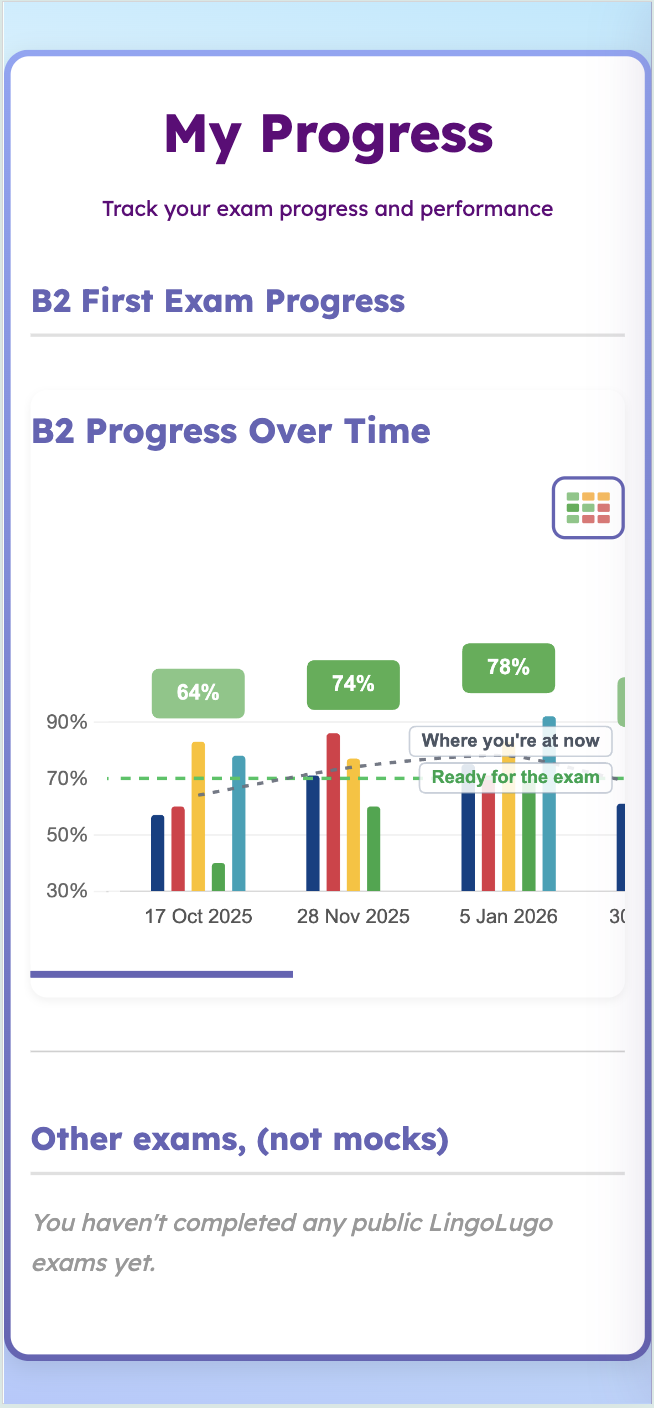 Updated after every mock
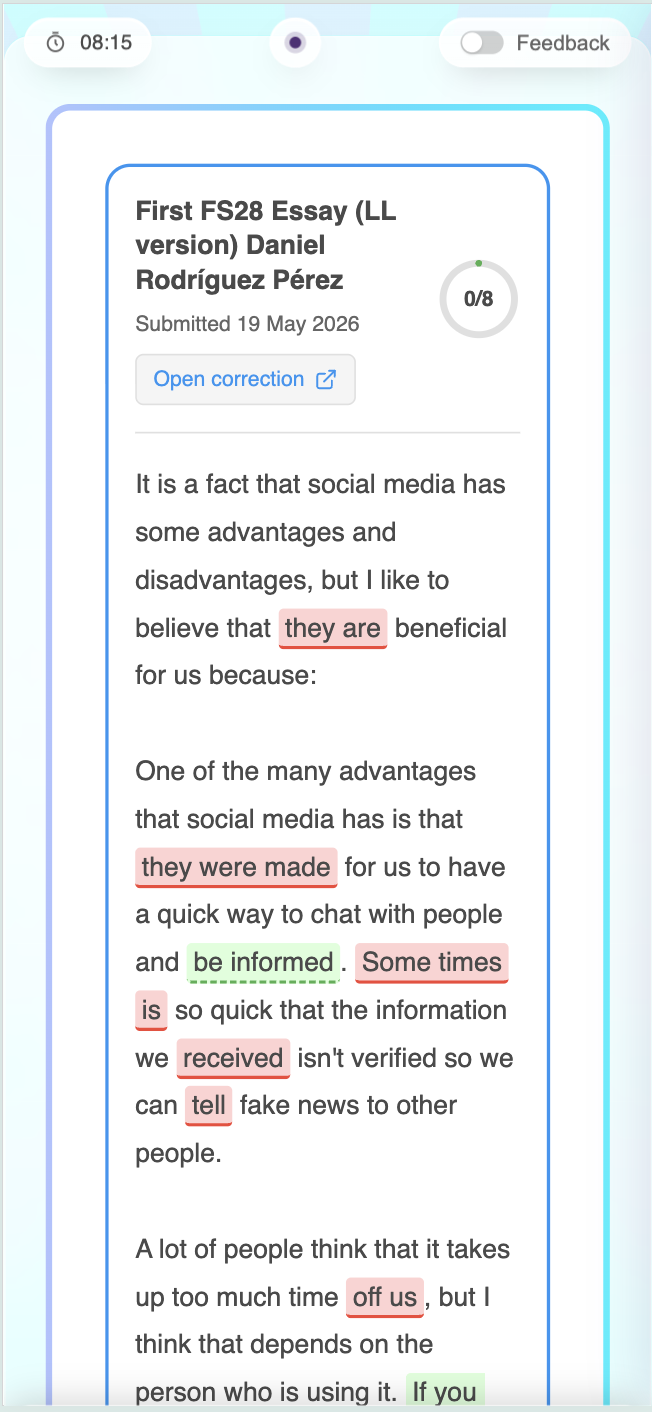 Checked by your teacher
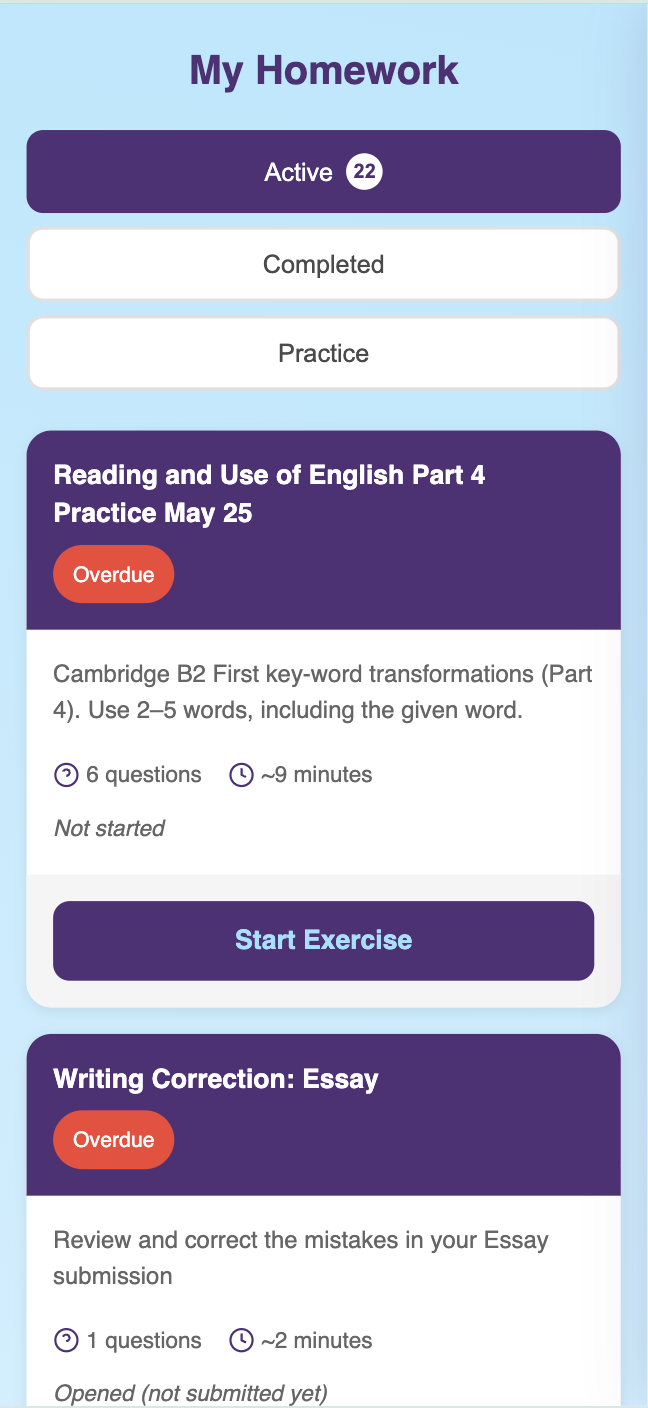 Just for you
500 students prepared for Cambridge PET, First and Advanced, with a 98% pass rate.
The same tools we built for our own classrooms at Welcome English School, Lugo — now shared with the schools we work with.
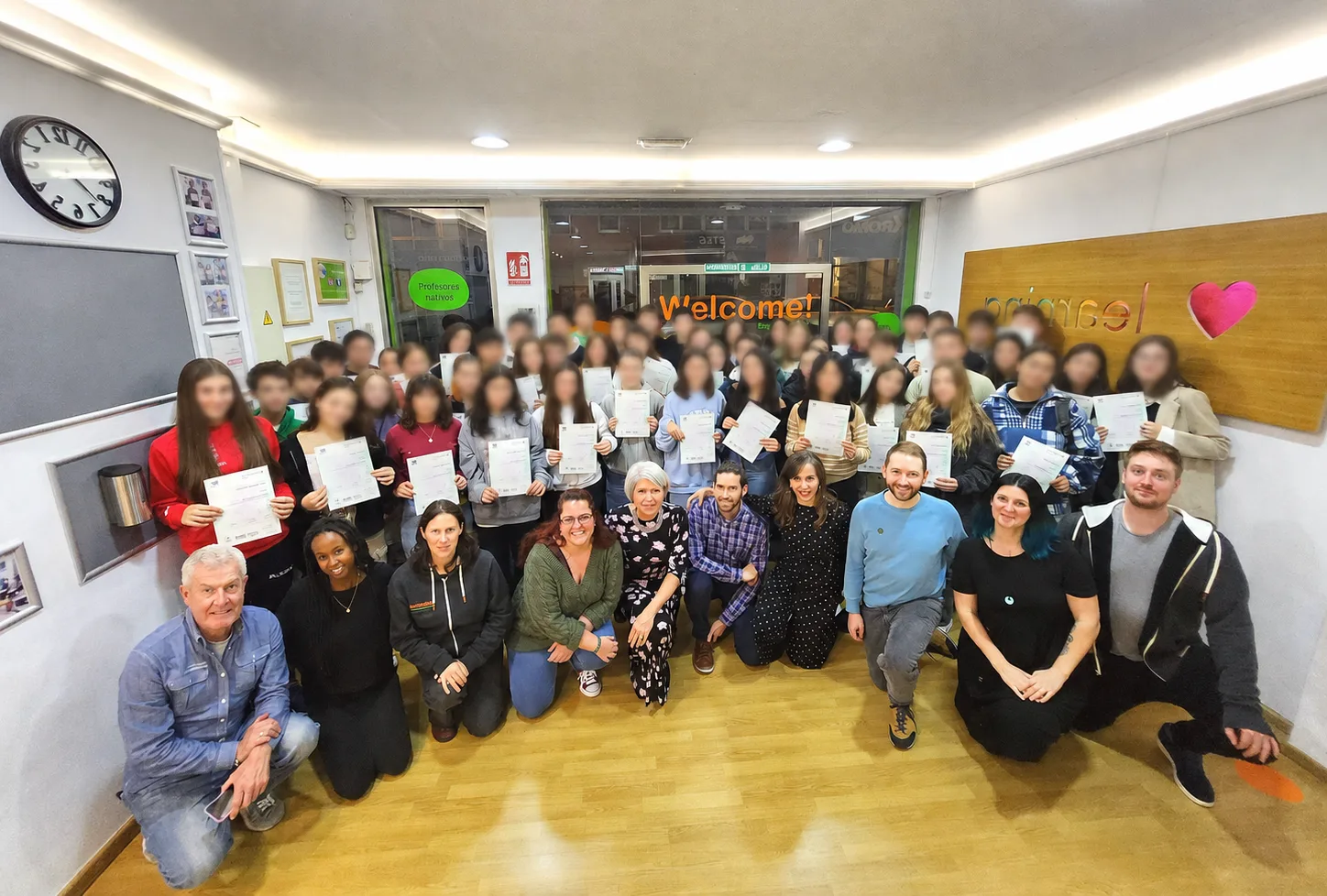
We built LingoLugo for our own classrooms first. The evening I used to lose to marking a set of First essays is now twenty minutes — and every student walks in the next day with homework aimed at exactly what they got wrong.
Getting started
Fill out the form below and we’ll send you the username and password of a demo teacher account.
Look at the graphs and homework and manage classes.
We’ll get in touch to answer your questions and give you AI credits to mark writings.
Fill out the form and we’ll send you a username and password to explore the demo. We’ll be in touch to set up a 10-minute call, and after that we’ll give you credits so you can try out the AI-powered corrector on your own students’ writings.
We’ve just emailed your demo login, so you can start exploring right away. It’s a read-only demo loaded with realistic sample data — and we’ll be in touch shortly to set up a quick call.
Prefer email? Write to info@lingolugo.com
Questions
We’ll tell you more details at the end of our 10-minute call. You’ll also get credits to test our AI-powered writing correction for free. — no obligation.
We’ll give you an overview of everything the platform can do — including some things not covered on this page. We’ll ask how you prepare students for these exams at your school, and tell you our prices. Then we’ll give you credits so you can try the AI-powered writing correction on your own students’ writings.
Cambridge PET (B1), First (B2) and Advanced (C1). IELTS is in development, but those three are fully live today.
To get a true picture of your students’ levels, you’ll need the official Cambridge practice papers. We also have four B2 and four C1 exams on our own platform — great for practice, because they give a detailed explanation for every question.
Probably. Let’s talk through what you’re using now and what data you want to bring across. Send us the details and we’ll tell you what’s possible.
Each student creates their own free account and your teachers give them an access code to join a class.
Most of our students aged 14 to 18 at Welcome English School choose to log in with their Google account, and they can create a secondary username and password to give to their parents. You can set this up for them too, if that’s easier.
Both. The AI produces a first-draft correction against the four official Cambridge bands; the teacher then reviews and edits whatever they like before the student ever sees it. The teacher always has the final say. You can even record voice messages for your students
You can enter your students’ speaking scores by clicking on the progress table, and they show up on their graphs straight away. You can also add strengths and weaknesses based on the mistakes they make, and we’ll assign homework to help them improve.
By default your students are automatically assigned homework based on the mistakes they make on their exams. But you can also assign whatever you like to whoever you like — fill out the form above to explore our bank of over 300 exercises.
Every exam question and writing correction is tagged to the grammar, vocabulary or exam skill it tests. As students answer questions and submit writing, LingoLugo builds a profile of what they can already do, what still causes problems and how recently they practised it. That profile drives the homework suggestions, with spaced repetition bringing key exercises back at the right time.
Click Homework in the menu, then Check Homework, and you’ll see your students’ results in a table. Filter, order and sort it however you like to see who’s done their homework and who’s letting it pile up.
We’ll take care of that. We’ll organise a 30 minute training session to help them get onboard. If they have used any digital homework system before it will feel familiar and easy to use, and support is one email away whenever you need it.
If you have any problems or questions, we’ll be on hand to help. We promise you’ll get a reply within 24 hours, but usually within a couple of hours during our office hours. We realise that when your students sit their first mock exam you might have some questions, so we’ll check in with you to make sure everything’s running smoothly.
A phone to photograph handwritten work — everything else runs in a web browser. No special equipment, app installs or interactive whiteboards required.
Yes! When your students log in, they’ll see your school’s logo instead of ours. You can even embed LingoLugo inside your own school’s website, so your students can do everything without leaving your site.
Student data is stored on EU servers, GDPR-compliant and fully deletable at any time. We’ve written a plain-English summary of exactly what we store, who can see it and how long we keep it — how we handle student data →